
Here are four live story ideas for ETL data conversion into Azure Data Factory (ADF), incorporating consistent character and style descriptions for potential visual aids:
For our Cloud/DevOps/AI/ML/ Ge AI digital job tasks Courses, visit URL:
https://kqegdo.courses.store/
Watch our Participants demos with python automation:
From these live story scenarios about ETL data conversion to Azure Data Factory and real-time data pipelines, here are some key learnings:
Complexity of Legacy Systems: Migrating data from legacy systems is rarely straightforward. Expect poorly documented data structures, inconsistent data quality, and potential performance bottlenecks.
Importance of Collaboration: Successful data projects require collaboration between different roles, such as data engineers, DBAs, data scientists, and cloud architects. Bridging the gap between traditional and modern approaches is crucial.
Choosing the Right Technology: Selecting the appropriate Azure services (or alternatives) depends on the specific requirements of the project, including data volume, velocity, latency, and cost.
Real-Time Data Challenges: Building real-time data pipelines involves addressing challenges such as data ingestion, processing, and storage with minimal latency.
Security is Paramount: Implementing robust security measures, including encryption, authentication, and authorization, is essential to protect sensitive data in motion and at rest.
RBAC for Fine-Grained Access Control: Azure RBAC provides a powerful mechanism for managing access to Azure resources and ensuring that users and applications only have the necessary permissions.
Cost Optimization: Estimating and optimizing costs is crucial for ensuring the long-term viability of data projects. Consider factors such as throughput, execution time, storage volume, and redundancy options.
Iterative Development: Data projects are often iterative, requiring continuous monitoring, testing, and refinement. Be prepared to adapt your approach as you learn more about the data and the system.
Importance of Monitoring and Alerting: Implement comprehensive monitoring and alerting to detect and respond to issues in real-time. This helps ensure the reliability and availability of the data pipeline.
Data Governance: Establish clear data governance policies to ensure data quality, consistency, and compliance with regulations.
Story 1: The Legacy Lift and Shift
- Characters:
- Ava (Lead Data Engineer): A sharp, pragmatic data engineer in her late 30s. She favors practical clothing, like jeans and a company t-shirt, and always has a determined glint in her eyes. Ava is the lead on the project, known for her ability to wrangle even the messiest legacy systems.
- Bob (Senior DBA): A seasoned DBA, close to retirement, with a wealth of knowledge about the legacy on-premise databases. Bob is a bit resistant to change, preferring the familiar tools he’s used for decades. He wears suspenders and has a perpetually skeptical expression.
- Plot: Ava and Bob are tasked with migrating a massive, decades-old on-premise database (SQL Server or Oracle) to Azure Data Lake Storage Gen2, using ADF for ETL. The story focuses on the challenges of extracting data from a complex, poorly documented legacy system, transforming it to meet modern data warehousing standards, and loading it into Azure. The narrative highlights the collaboration (and occasional clashes) between Ava’s modern approach and Bob’s traditional expertise. There will be challenges with slow network speeds, unexpected data quality issues, and Bob’s initial reluctance to embrace the cloud. The story culminates in a successful migration, with Bob acknowledging the power of ADF and the cloud, and Ava appreciating Bob’s deep understanding of the data’s nuances.
- ETL Focus: Extracting data from a complex on-premise database, handling incremental loads, dealing with schema changes, and optimizing performance for large datasets.

Story 2: The SaaS Integration Saga
- Characters:
- Carlos (Data Integration Specialist): A young, enthusiastic data integration specialist with a passion for automation. Carlos is always experimenting with new tools and technologies. He dresses casually, often wearing hoodies and sneakers.
- Sarah (Business Analyst): A detail-oriented business analyst who understands the critical importance of data accuracy. Sarah is meticulous and organized, always ensuring the data meets the business requirements. She typically wears business-casual attire, like blouses and slacks.
- Plot: Carlos and Sarah are responsible for integrating data from multiple SaaS applications (Salesforce, Marketo, Zendesk) into a central data warehouse in Azure Synapse Analytics, using ADF. The story revolves around the challenges of connecting to various APIs, handling rate limits, transforming data from different formats, and ensuring data quality and consistency across all sources. The narrative emphasizes the importance of collaboration between IT and business, as Carlos relies on Sarah’s domain expertise to understand the data and define the transformation rules. Potential conflicts arise from API changes, data inconsistencies, and the need to balance speed of integration with data accuracy. The story concludes with a robust and automated data pipeline that provides valuable insights to the business.
- ETL Focus: Connecting to various SaaS APIs, handling rate limits, transforming data from different formats (JSON, XML), and ensuring data quality and consistency across multiple sources.

Story 3: The Real-Time Analytics Revolution
- Characters:
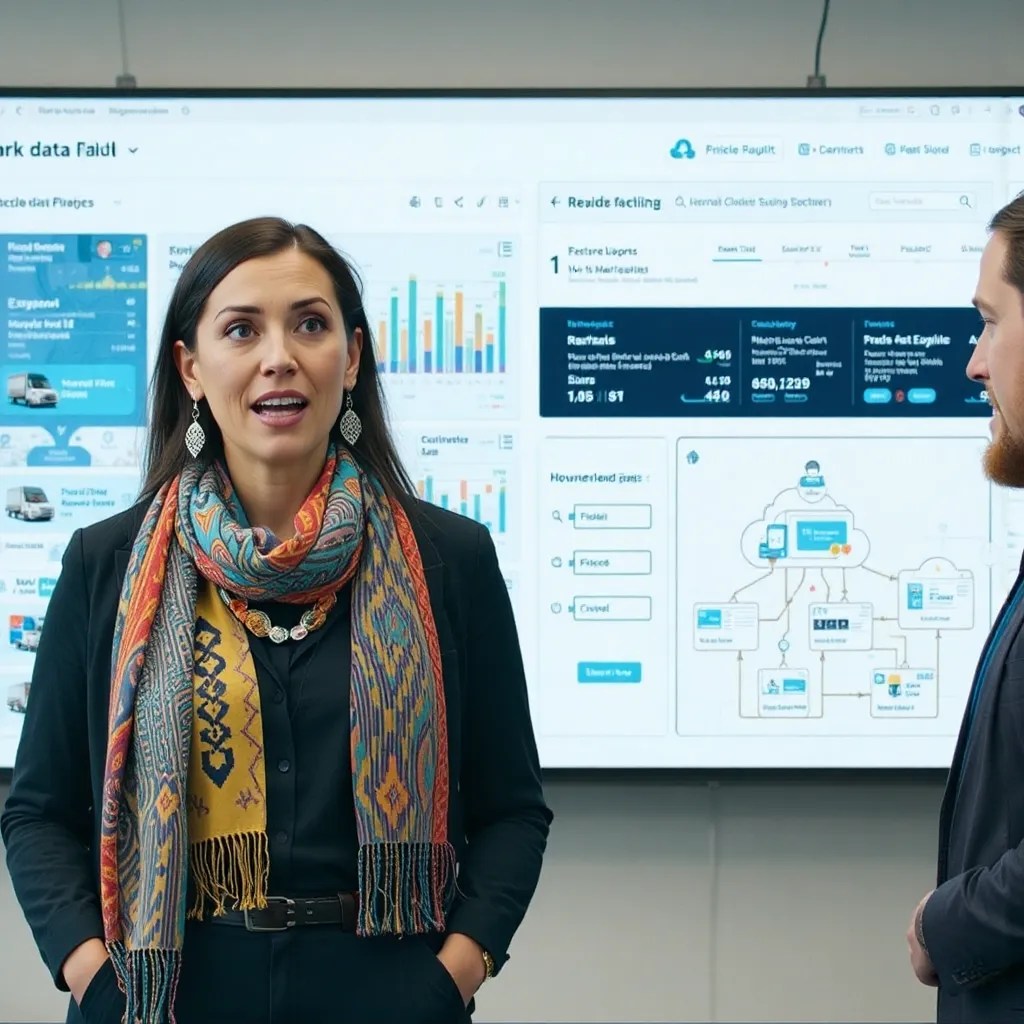
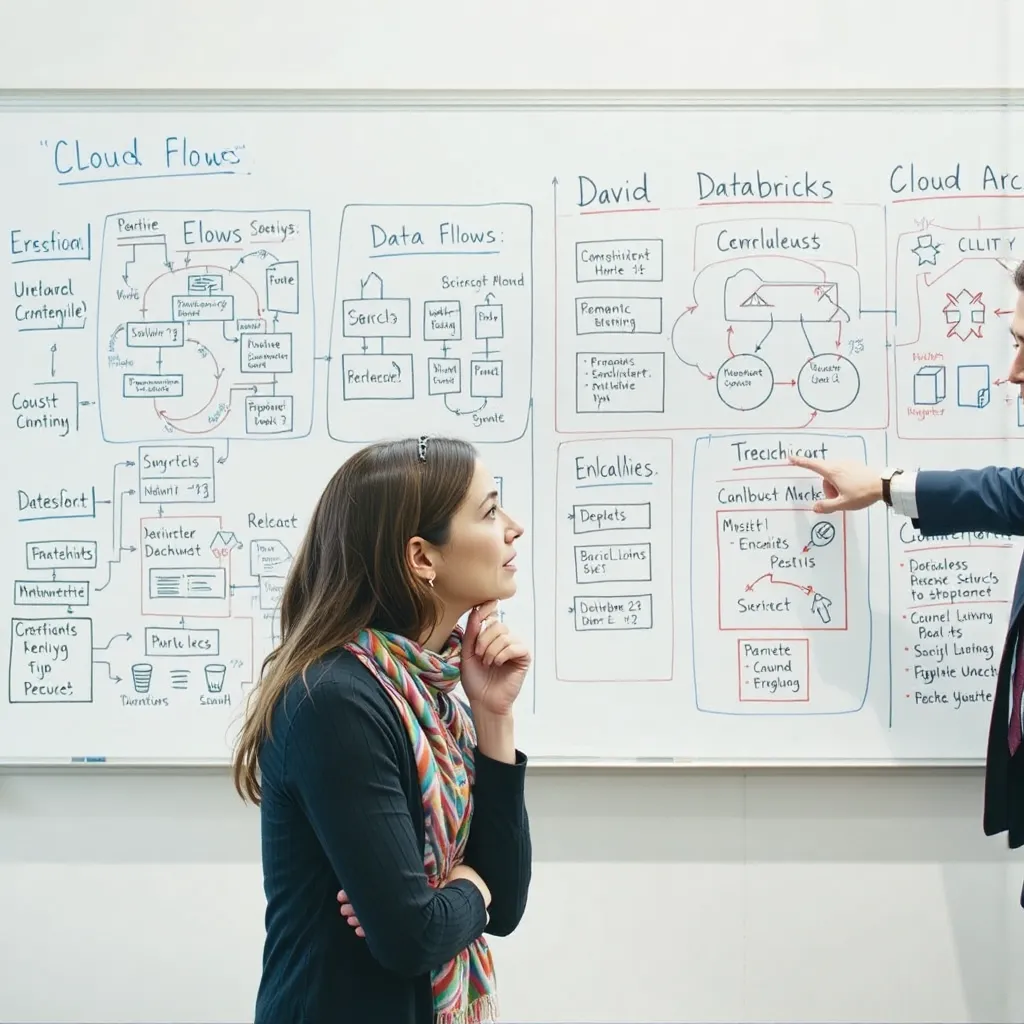
- Elena (Data Scientist): A brilliant data scientist who needs real-time data for her machine learning models. Elena is creative and analytical, always seeking new ways to extract insights from data. She has a quirky sense of style, often wearing colorful scarves and unique jewelry.
- David (Cloud Architect): A seasoned cloud architect who designs and implements the real-time data pipeline. David is calm and methodical, always focused on scalability and reliability. He dresses professionally, typically wearing a suit or blazer.
- Plot: Elena and David collaborate to build a real-time data pipeline using Azure Event Hubs, Azure Functions, and ADF to process streaming data from IoT devices and load it into Azure Data Explorer for real-time analytics. The story focuses on the challenges of handling high-velocity data streams, performing complex transformations in near real-time, and ensuring the scalability and reliability of the pipeline. The narrative highlights the tension between Elena’s need for immediate insights and David’s focus on building a robust and maintainable system. Potential issues include handling data spikes, dealing with data latency, and optimizing performance for real-time queries. The story ends with a successful implementation that enables Elena to build powerful machine learning models and gain valuable insights from real-time data.
- ETL Focus: Processing streaming data from Azure Event Hubs, performing near real-time transformations using Azure Functions, and loading data into Azure Data Explorer for real-time analytics.

Story 4: The Data Governance Gauntlet
- Characters:
- Olivia (Data Governance Officer): A strict and meticulous data governance officer responsible for ensuring data quality, security, and compliance. Olivia is unwavering in her commitment to data governance best practices. She dresses professionally, always wearing tailored suits and maintaining a serious demeanor.
- Ethan (ETL Developer): A skilled ETL developer who is constantly challenged by Olivia’s strict data governance requirements. Ethan is creative and resourceful, always finding ways to meet the business needs while adhering to the governance policies. He dresses casually, often wearing jeans and a button-down shirt.
- Plot: Olivia and Ethan are tasked with implementing a new data governance framework for all ETL processes in ADF. The story revolves around the challenges of implementing data quality checks, data masking, data lineage tracking, and access control policies. The narrative emphasizes the tension between Olivia’s need for strict governance and Ethan’s desire to deliver data quickly and efficiently. Potential conflicts arise from the complexity of the governance requirements, the impact on ETL performance, and the need to balance security with usability. The story concludes with a successful implementation of the data governance framework, with Olivia acknowledging Ethan’s creativity and Ethan appreciating the importance of data governance.

Can you elaborate on the technical aspects of one of these stories?
Let’s delve into the technical aspects of Story 3: The Real-Time Analytics Revolution.
Characters:
- Elena (Data Scientist): A brilliant data scientist who needs real-time data for her machine learning models. Elena is creative and analytical, always seeking new ways to extract insights from data. She has a quirky sense of style, often wearing colorful scarves and unique jewelry.
- David (Cloud Architect): A seasoned cloud architect who designs and implements the real-time data pipeline. David is calm and methodical, always focused on scalability and reliability. He dresses professionally, typically wearing a suit or blazer.
Technical Deep Dive: Real-Time Analytics Pipeline
This story centers around building a real-time data pipeline to ingest, process, and analyze data from IoT devices using Azure services. Here’s a breakdown of the key technical components and considerations:
- Data Ingestion (Azure Event Hubs):
- IoT devices continuously generate data (e.g., sensor readings, telemetry).
- Azure Event Hubs acts as a highly scalable event ingestion service, capable of handling millions of events per second.
- It provides a partitioned consumer model, allowing multiple consumers to read the data stream concurrently.
- Technical Challenges: Choosing the right Event Hub tier (Standard, Premium, Dedicated) based on throughput and retention requirements. Configuring partition keys to ensure even data distribution across partitions. Handling potential message loss or duplication.
- Real-Time Processing (Azure Functions):
- Azure Functions (specifically, durable functions or stream analytics) are used to process the incoming data stream from Event Hubs in near real-time.
- Functions can perform various transformations, such as data cleansing, aggregation, enrichment, and filtering.
- Technical Challenges: Optimizing function performance to minimize latency. Handling state management for complex aggregations. Implementing error handling and retry mechanisms. Choosing the right programming language and runtime for the functions.
- Data Transformation and Orchestration (Azure Data Factory):
- While Azure Functions handle the immediate processing, ADF is used to orchestrate the overall pipeline and perform more complex transformations or batch processing if needed.
- ADF can be triggered by Event Hubs events or scheduled to run periodically.
- Technical Challenges: Designing efficient data flows for complex transformations. Implementing data quality checks and validation rules. Managing dependencies between different pipeline activities.
- Data Storage and Analytics (Azure Data Explorer):
- Azure Data Explorer (ADX) is a fast, fully managed data analytics service optimized for exploring and analyzing high-volume, high-velocity data streams.
- It provides a powerful query language (Kusto) for performing real-time analytics.
- Technical Challenges: Designing the data schema for optimal query performance. Implementing data retention policies. Optimizing Kusto queries for real-time analysis. Integrating with visualization tools (e.g., Power BI) for real-time dashboards.
- Monitoring and Alerting:
- Azure Monitor is used to monitor the health and performance of the entire pipeline.
- Alerts are configured to notify the team of any issues, such as high latency, errors, or data quality problems.
- Technical Challenges: Defining meaningful metrics to monitor. Configuring appropriate alert thresholds. Implementing automated remediation actions.
- Security:
- Proper authentication and authorization mechanisms are implemented to secure the data pipeline.
- Azure Active Directory (Azure AD) is used to manage user identities and access control.
- Technical Challenges: Implementing least privilege access control. Encrypting data at rest and in transit. Auditing all data access and modifications.
Example Scenario:
Imagine IoT devices on a fleet of trucks are sending location, speed, and engine temperature data.
- Event Hubs ingests the data.
- Azure Functions calculate rolling averages of speed and temperature.
- ADF might periodically aggregate the data to compute daily summaries.
- Azure Data Explorer stores the processed data and enables Elena to query for trucks exceeding speed limits or experiencing engine overheating in real-time.
What are some alternative technologies for this pipeline?
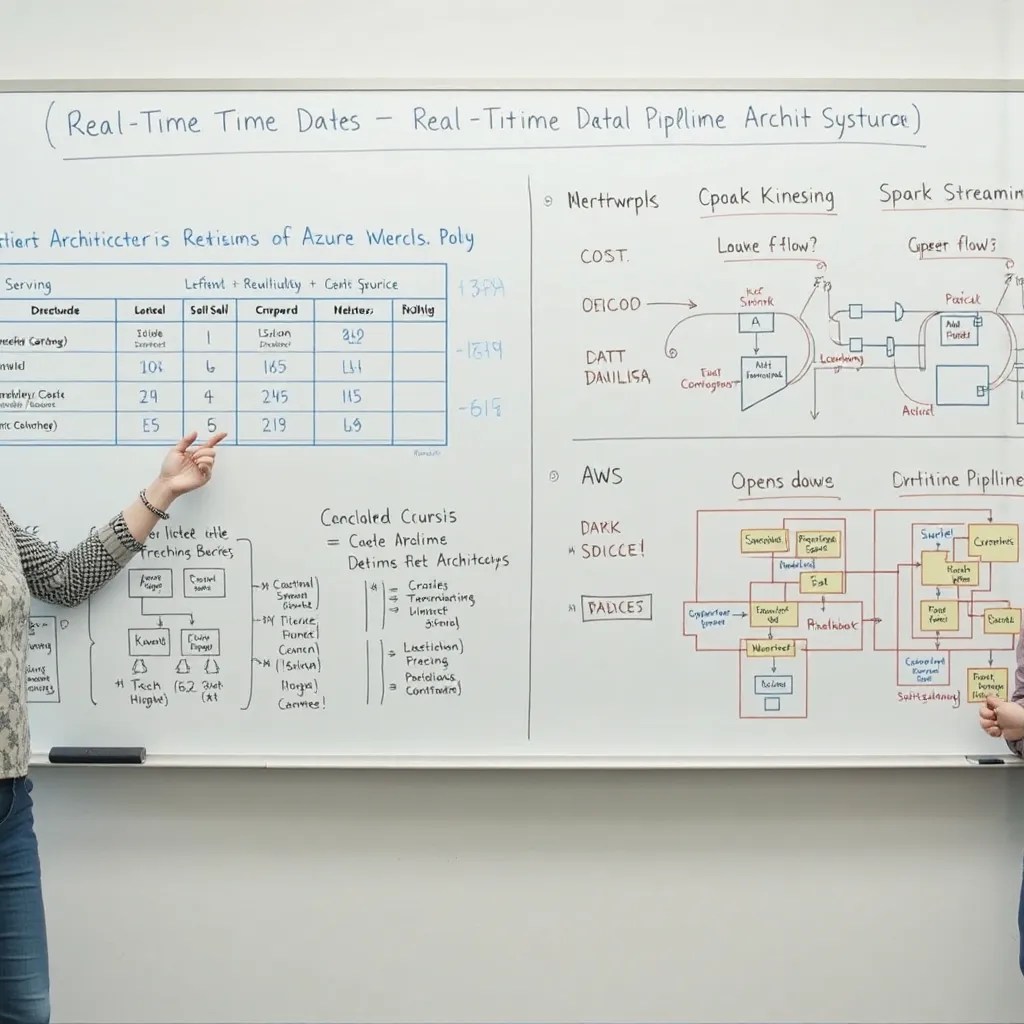
Let’s explore alternative technologies for building a similar real-time data pipeline, focusing on replacing the specific Azure services mentioned earlier.
Here are some alternatives, along with considerations for each:
- Data Ingestion:
- Instead of Azure Event Hubs:
- Apache Kafka: A widely used distributed streaming platform that can handle high-throughput data ingestion. Kafka is more complex to set up and manage than Event Hubs but offers greater flexibility and control. You would need to manage the Kafka brokers, Zookeeper, and related infrastructure.
- Amazon Kinesis Data Streams: AWS’s equivalent to Event Hubs. It’s a fully managed service, making it easier to use than Kafka, but it ties you to the AWS ecosystem.
- Google Cloud Pub/Sub: Google’s messaging service for real-time data ingestion. Similar to Kinesis, it’s fully managed but locks you into the Google Cloud Platform.
- Instead of Azure Event Hubs:
- Real-Time Processing:
- Instead of Azure Functions (or Stream Analytics):
- Apache Spark Streaming: A powerful engine for processing real-time data streams. Spark Streaming requires more setup and configuration than Azure Functions, but it offers greater flexibility and control over the processing logic. You would need to manage the Spark cluster and its dependencies.
- Flink: Another popular stream processing framework that provides high throughput and low latency. Flink is known for its fault tolerance and state management capabilities. Like Spark, it requires managing the cluster infrastructure.
- AWS Lambda: AWS’s serverless compute service, equivalent to Azure Functions. Can be used for real-time data processing with Kinesis Data Streams.
- Google Cloud Functions: Google’s serverless compute service, similar to AWS Lambda and Azure Functions. Can be used with Cloud Pub/Sub.
- Instead of Azure Functions (or Stream Analytics):
- Data Transformation and Orchestration:
- Instead of Azure Data Factory:
- Apache Airflow: A popular open-source workflow management platform. Airflow is highly customizable and can be used to orchestrate complex data pipelines. However, it requires more setup and maintenance than ADF.
- AWS Step Functions: AWS’s service for coordinating distributed applications and microservices. Can be used to orchestrate data pipelines in the AWS ecosystem.
- Google Cloud Composer: Google’s managed Apache Airflow service. Simplifies the deployment and management of Airflow on Google Cloud.
- Instead of Azure Data Factory:
- Data Storage and Analytics:
- Instead of Azure Data Explorer:
- ClickHouse: An open-source column-oriented database management system that’s designed for fast online analytical processing (OLAP). ClickHouse is a good alternative to ADX if you need more control over the database infrastructure.
- Amazon Redshift: AWS’s data warehouse service. Redshift is a good choice if you’re already using AWS and need a scalable data warehouse for analytics.
- Google BigQuery: Google’s serverless, fully managed data warehouse. BigQuery is a good option if you’re using Google Cloud and want a scalable and cost-effective data warehouse.
- InfluxDB: A time-series database that’s optimized for storing and querying time-stamped data. InfluxDB is a good choice for IoT data and other time-series applications.
- Instead of Azure Data Explorer:
Considerations for Choosing Alternatives:
- Existing Infrastructure: If you’re already invested in a particular cloud provider (AWS, Google Cloud), it may make sense to use their native services.
- Cost: The cost of different services can vary significantly. Consider the cost of compute, storage, and networking when choosing alternatives.
- Complexity: Some technologies are more complex to set up and manage than others. Consider your team’s expertise and the amount of effort required to maintain the infrastructure.
- Scalability and Performance: Ensure that the chosen technologies can handle the expected data volume and velocity.
- Open Source vs. Managed Services: Open-source technologies offer greater flexibility and control, but they require more effort to manage. Managed services are easier to use but may have limitations.
How would I estimate the cost of running a real-time data pipeline on Azure?
Estimating the cost of running a real-time data pipeline on Azure involves considering the costs associated with each component of the pipeline. Here’s a breakdown of the key factors and how to approach the estimation:
1. Azure Event Hubs:
- Throughput Units (TUs): Event Hubs pricing is primarily based on throughput units. A TU represents a specific capacity for ingress (data coming in) and egress (data going out). You need to estimate the average and peak throughput of your data stream.
- Estimation: Monitor your current data sources or run a proof-of-concept to measure the actual throughput. Consider future growth and scale accordingly.
- Cost Calculation: Azure provides a pricing calculator where you can input the number of TUs and region to get an estimate. Keep in mind that you might need to scale up the number of TUs during peak hours, which will affect the cost.
- Captured Data (Optional): If you’re using the Capture feature to archive data to Azure Blob Storage or Data Lake Storage, you’ll incur storage costs.
- Estimation: Estimate the volume of data you’ll be capturing daily, weekly, or monthly.
- Cost Calculation: Azure Storage pricing is based on the amount of data stored, redundancy options (LRS, GRS, RA-GRS), and access tiers (Hot, Cool, Archive).
2. Azure Functions (or Stream Analytics):
- Azure Functions:
- Consumption Plan: Pricing is based on the number of executions, execution time, and memory consumed.
- Estimation: Estimate the average execution time and memory usage of your functions. Monitor the number of function executions.
- Cost Calculation: Azure’s pricing calculator can help you estimate the cost based on these metrics.
- App Service Plan: You pay for the underlying virtual machine instances that run your functions. This is more predictable but can be more expensive if your functions are not constantly running.
- Estimation: Choose an appropriate App Service plan based on the CPU, memory, and storage requirements of your functions.
- Cost Calculation: Azure’s pricing calculator can help you estimate the cost based on the chosen App Service plan.
- Consumption Plan: Pricing is based on the number of executions, execution time, and memory consumed.
- Azure Stream Analytics:
- Streaming Units (SUs): Pricing is based on the number of streaming units allocated to your job. Each SU provides a certain amount of processing power.
- Estimation: Start with a small number of SUs and monitor the job’s performance. Increase the number of SUs as needed to handle the data volume and complexity of your queries.
- Cost Calculation: Azure’s pricing calculator can help you estimate the cost based on the number of SUs and region.
- Streaming Units (SUs): Pricing is based on the number of streaming units allocated to your job. Each SU provides a certain amount of processing power.
3. Azure Data Factory (if used for orchestration):
- Pipeline Activities: Pricing is based on the number and type of activities executed in your pipelines (e.g., Copy Data, Data Flow).
- Estimation: Estimate the number of activities and the execution time for each activity.
- Cost Calculation: Azure’s pricing calculator can help you estimate the cost based on the number of activities and execution time.
- Integration Runtime: You’ll incur costs for the Azure Integration Runtime used to execute your pipelines.
- Estimation: Choose an appropriate integration runtime size based on the data volume and complexity of your transformations.
- Cost Calculation: Azure’s pricing calculator can help you estimate the cost based on the integration runtime size and usage.
4. Azure Data Explorer (or other data store):
- Compute: Pricing is based on the number and size of the virtual machines used for your ADX cluster.
- Estimation: Choose an appropriate cluster size based on the data volume, query complexity, and performance requirements.
- Cost Calculation: Azure’s pricing calculator can help you estimate the cost based on the cluster size and region.
- Storage: You’ll incur costs for storing data in ADX.
- Estimation: Estimate the volume of data you’ll be storing in ADX.
- Cost Calculation: Azure Storage pricing is based on the amount of data stored, redundancy options, and access tiers.
5. Networking:
- Data Transfer: You’ll incur costs for data transfer between different Azure services and regions.
- Estimation: Estimate the amount of data being transferred.
- Cost Calculation: Azure’s pricing calculator can help you estimate the cost based on the data transfer volume and region.
General Tips for Cost Estimation:
- Start Small and Monitor: Begin with a minimal configuration and monitor the actual usage and performance. Scale up as needed.
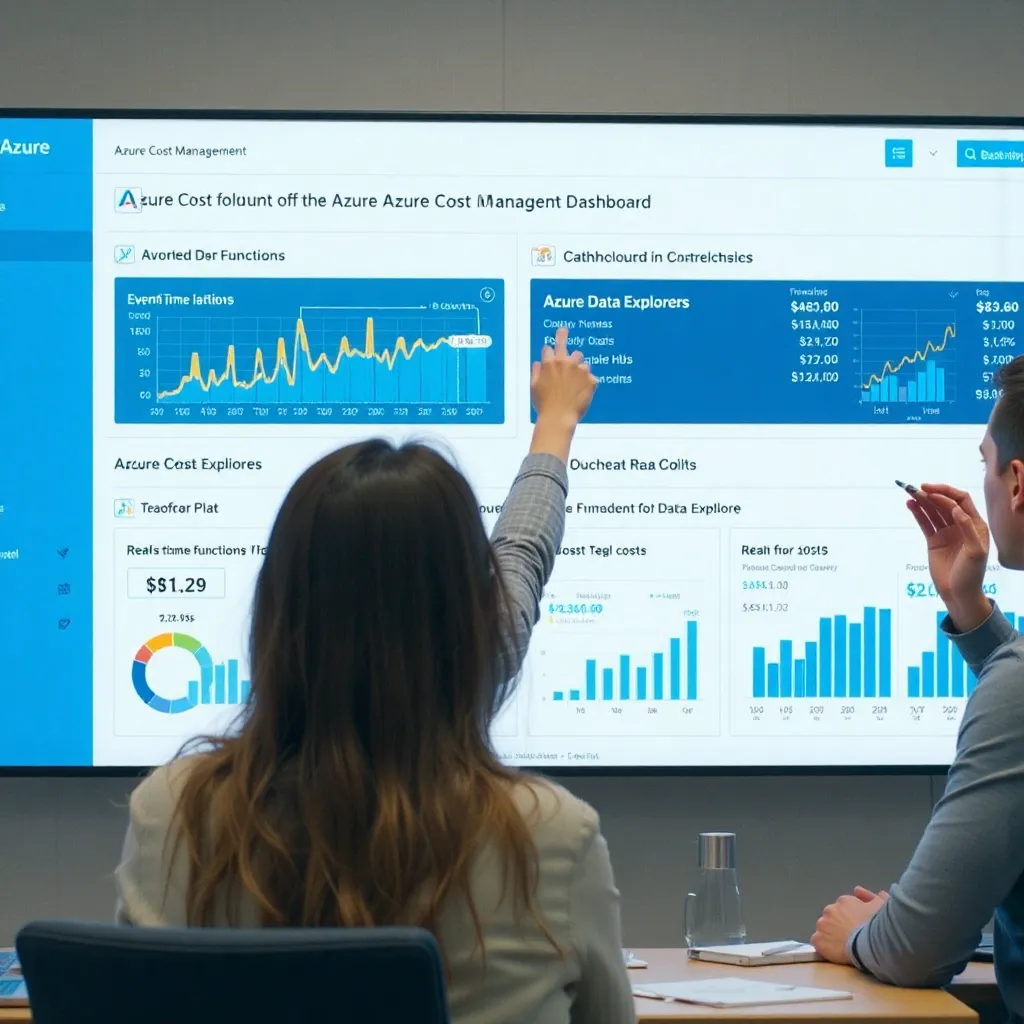
- Use Azure Cost Management: Azure Cost Management provides visibility into your Azure spending and helps you identify areas where you can optimize costs.
- Reserved Instances: Consider using reserved instances for virtual machines and other resources to save money on long-term commitments.
- Right-Sizing: Choose the appropriate size and configuration for each resource based on your actual needs. Avoid over-provisioning.
- Auto-Scaling: Enable auto-scaling for Azure Functions and other services to automatically adjust the resources based on demand.
- Consider Region: Choose a region that offers competitive pricing for the services you’re using.
- Proof of Concept (POC): Run a POC to validate your architecture and estimate the costs more accurately.
What are the security considerations for a real-time data pipeline in Azure?
Let’s discuss the security considerations for a real-time data pipeline in Azure. Security is paramount, especially when dealing with sensitive data in motion. Here’s a breakdown of the key aspects:
- Data Encryption:
- Encryption in Transit: All data transmitted between Azure services should be encrypted using TLS (Transport Layer Security). This protects the data from eavesdropping during transmission.
- Implementation: Ensure that TLS is enabled for all connections between Event Hubs, Azure Functions, Azure Data Explorer, and other services. Azure services typically enforce TLS by default, but it’s crucial to verify the configuration.
- Encryption at Rest: Data stored in Azure services should be encrypted at rest using Azure Storage Service Encryption (SSE) or Azure Disk Encryption. This protects the data from unauthorized access if the storage media is compromised.
- Implementation: Enable SSE for Azure Blob Storage and Azure Data Lake Storage Gen2. Use Azure Disk Encryption for virtual machines running custom processing logic. For Azure Data Explorer, encryption at rest is enabled by default.
- Client-Side Encryption: If you need even stronger security, consider encrypting the data on the client-side before sending it to Azure. This provides end-to-end encryption, ensuring that the data is protected even if the Azure services are compromised.
- Implementation: Use a strong encryption library (e.g., AES) to encrypt the data before sending it to Event Hubs. Decrypt the data in Azure Functions or other processing components. Manage the encryption keys securely using Azure Key Vault.
- Encryption in Transit: All data transmitted between Azure services should be encrypted using TLS (Transport Layer Security). This protects the data from eavesdropping during transmission.
- Authentication and Authorization:
- Azure Active Directory (Azure AD): Use Azure AD to manage identities and access to Azure resources. This provides a centralized and secure way to authenticate users and applications.
- Implementation: Create service principals for Azure Functions and other applications that need to access Azure services. Grant these service principals the necessary permissions using role-based access control (RBAC).
- Role-Based Access Control (RBAC): Use RBAC to grant granular permissions to Azure resources. This ensures that users and applications only have access to the resources they need.
- Implementation: Assign appropriate roles to service principals and users based on their responsibilities. For example, grant the “Event Hubs Data Sender” role to applications that need to send data to Event Hubs, and the “Event Hubs Data Receiver” role to applications that need to receive data from Event Hubs.
- Managed Identities: Use managed identities for Azure resources to simplify the management of credentials. Managed identities automatically manage the credentials for your applications, eliminating the need to store secrets in code or configuration files.
- Implementation: Enable managed identities for Azure Functions and other applications. Use the managed identity to authenticate to Azure services.
- Azure Active Directory (Azure AD): Use Azure AD to manage identities and access to Azure resources. This provides a centralized and secure way to authenticate users and applications.
- Network Security:
- Virtual Network (VNet): Deploy your Azure resources within a virtual network to isolate them from the public internet. This provides a private and secure network for your data pipeline.
- Implementation: Create a virtual network and subnets for your Azure resources. Configure network security groups (NSGs) to control network traffic in and out of the subnets.
- Network Security Groups (NSGs): Use NSGs to filter network traffic to and from your Azure resources. This allows you to restrict access to specific ports and IP addresses.
- Implementation: Create NSG rules to allow traffic from specific sources to specific destinations. For example, allow traffic from Azure Functions to Event Hubs, but block traffic from the public internet.
- Private Endpoints: Use private endpoints to securely connect to Azure services from within your virtual network. This eliminates the need to expose your services to the public internet.
- Implementation: Create private endpoints for Event Hubs, Azure Storage, and other services. Configure your applications to use the private endpoints to connect to these services.
- Virtual Network (VNet): Deploy your Azure resources within a virtual network to isolate them from the public internet. This provides a private and secure network for your data pipeline.
- Data Governance and Compliance:
- Data Classification: Classify your data based on its sensitivity. This helps you determine the appropriate security controls to apply.
- Implementation: Use Azure Purview to discover, classify, and govern your data.
- Data Masking: Mask sensitive data to protect it from unauthorized access.
- Implementation: Use Azure Data Factory or Azure Functions to mask sensitive data before storing it in Azure Data Explorer or other data stores.
- Auditing and Logging: Enable auditing and logging for all Azure resources. This provides a record of all activity in your data pipeline, which can be used for security monitoring and incident response.
- Implementation: Enable Azure Monitor for all Azure resources. Configure log alerts to notify you of suspicious activity.
- Data Classification: Classify your data based on its sensitivity. This helps you determine the appropriate security controls to apply.
- Threat Protection:
- Azure Security Center: Use Azure Security Center to monitor your Azure resources for security threats. Security Center provides recommendations for improving your security posture.
- Implementation: Enable Azure Security Center for your subscription. Review the security recommendations and implement them to improve your security posture.
- Azure Sentinel: Use Azure Sentinel to collect and analyze security data from across your Azure environment. Sentinel can help you detect and respond to security threats.
- Implementation: Connect Azure Sentinel to your Azure resources. Create analytics rules to detect suspicious activity.
- Azure Security Center: Use Azure Security Center to monitor your Azure resources for security threats. Security Center provides recommendations for improving your security posture.

Can you give me some concrete examples of RBAC roles for this pipeline?
Here are some concrete examples of Azure RBAC roles that you would use to secure a real-time data pipeline, along with explanations of why they’re appropriate:
1. Event Hubs:
- Role:
Azure Event Hubs Data Sender- Description: Allows the assigned identity (user, group, or service principal) to send events to an Event Hub.
- Use Case: Assign this role to the Azure Function or application responsible for ingesting data into Event Hubs. This ensures that the function can only send data and cannot perform other administrative tasks.
- Scope: The scope should be limited to the specific Event Hub or Event Hubs namespace that the function needs to access.
- Role:
Azure Event Hubs Data Receiver- Description: Allows the assigned identity to receive events from an Event Hub.
- Use Case: Assign this role to the Azure Function or application responsible for processing data from Event Hubs. This ensures that the function can only receive data and cannot send data or perform other administrative tasks.
- Scope: The scope should be limited to the specific Event Hub or Event Hubs namespace that the function needs to access.
- Role:
Azure Event Hubs Owner- Description: Grants full access to manage Event Hubs resources, including creating, deleting, and configuring Event Hubs.
- Use Case: This role should only be assigned to administrators who need to manage the Event Hubs infrastructure. Avoid assigning this role to applications.
- Scope: The scope can be at the resource group level or the subscription level, depending on the administrator’s responsibilities.
2. Azure Functions:
- Role:
Contributor- Description: Allows the assigned identity to manage Azure Functions, but not to grant access to other users.
- Use Case: This role can be assigned to developers who need to deploy and manage Azure Functions.
- Scope: The scope should be limited to the specific Azure Function App.
- Role:
Reader- Description: Allows the assigned identity to view Azure Functions, but not to modify them.
- Use Case: This role can be assigned to users who need to monitor the status of Azure Functions.
- Scope: The scope should be limited to the specific Azure Function App.* Role:
Storage Blob Data Contributor(if the function uses Azure Blob Storage) - Description: Allows the assigned identity to read, write, and delete blobs in Azure Blob Storage.
- Use Case: Assign this role to the Azure Function if it needs to access data stored in Azure Blob Storage.
- Scope: The scope should be limited to the specific storage account or container that the function needs to access.
3. Azure Data Explorer (Kusto):
- Role:
Database Viewer- Description: Allows the assigned identity to view data in an Azure Data Explorer database.
- Use Case: Assign this role to users who need to query and analyze the data stored in Azure Data Explorer.
- Scope: The scope should be limited to the specific Azure Data Explorer database.
- Role:
Database Ingestor- Description: Allows the assigned identity to ingest data into an Azure Data Explorer database.
- Use Case: Assign this role to the Azure Function or application responsible for loading data into Azure Data Explorer.
- Scope: The scope should be limited to the specific Azure Data Explorer database.
- Role:
Database Admin- Description: Grants full access to manage an Azure Data Explorer database.
- Use Case: This role should only be assigned to administrators who need to manage the Azure Data Explorer infrastructure.
- Scope: The scope should be limited to the specific Azure Data Explorer cluster or database.
4. Key Vault:
- Role:
Key Vault Reader- Description: Allows the assigned identity to read secrets and keys from Azure Key Vault.
- Use Case: Assign this role to Azure Functions or applications that need to access secrets or keys stored in Key Vault.
- Scope: The scope should be limited to the specific Key Vault.
- Role:
Key Vault Contributor- Description: Allows the assigned identity to manage Key Vault resources, but not to grant access to other users.
- Use Case: This role can be assigned to developers who need to manage Key Vault.
- Scope: The scope should be limited to the specific Key Vault.
Example Scenario:
Let’s say you have an Azure Function that ingests data from Event Hubs and loads it into Azure Data Explorer. You would:
- Create a service principal for the Azure Function.
- Assign the
Azure Event Hubs Data Receiverrole to the service principal at the Event Hub level. - Assign the
Database Ingestorrole to the service principal at the Azure Data Explorer database level. - If the function needs to access secrets from Key Vault, assign the
Key Vault Readerrole to the service principal at the Key Vault level.
Can you give me some concrete examples of RBAC roles for this pipeline?
here are some concrete examples of Azure RBAC roles that you would use to secure a real-time data pipeline, along with explanations of why they’re appropriate:
1. Event Hubs:
- Role:
Azure Event Hubs Data Sender- Description: Allows the assigned identity (user, group, or service principal) to send events to an Event Hub.
- Use Case: Assign this role to the Azure Function or application responsible for ingesting data into Event Hubs. This ensures that the function can only send data and cannot perform other administrative tasks.
- Scope: The scope should be limited to the specific Event Hub or Event Hubs namespace that the function needs to access.
- Role:
Azure Event Hubs Data Receiver- Description: Allows the assigned identity to receive events from an Event Hub.
- Use Case: Assign this role to the Azure Function or application responsible for processing data from Event Hubs. This ensures that the function can only receive data and cannot send data or perform other administrative tasks.
- Scope: The scope should be limited to the specific Event Hub or Event Hubs namespace that the function needs to access.
- Role:
Azure Event Hubs Owner- Description: Grants full access to manage Event Hubs resources, including creating, deleting, and configuring Event Hubs.
- Use Case: This role should only be assigned to administrators who need to manage the Event Hubs infrastructure. Avoid assigning this role to applications.
- Scope: The scope can be at the resource group level or the subscription level, depending on the administrator’s responsibilities.
2. Azure Functions:
- Role:
Contributor- Description: Allows the assigned identity to manage Azure Functions, but not to grant access to other users.
- Use Case: This role can be assigned to developers who need to deploy and manage Azure Functions.
- Scope: The scope should be limited to the specific Azure Function App.
- Role:
Reader- Description: Allows the assigned identity to view Azure Functions, but not to modify them.
- Use Case: This role can be assigned to users who need to monitor the status of Azure Functions.
- Scope: The scope should be limited to the specific Azure Function App.* Role:
Storage Blob Data Contributor(if the function uses Azure Blob Storage) - Description: Allows the assigned identity to read, write, and delete blobs in Azure Blob Storage.
- Use Case: Assign this role to the Azure Function if it needs to access data stored in Azure Blob Storage.
- Scope: The scope should be limited to the specific storage account or container that the function needs to access.
3. Azure Data Explorer (Kusto):
- Role:
Database Viewer- Description: Allows the assigned identity to view data in an Azure Data Explorer database.
- Use Case: Assign this role to users who need to query and analyze the data stored in Azure Data Explorer.
- Scope: The scope should be limited to the specific Azure Data Explorer database.
- Role:
Database Ingestor- Description: Allows the assigned identity to ingest data into an Azure Data Explorer database.
- Use Case: Assign this role to the Azure Function or application responsible for loading data into Azure Data Explorer.
- Scope: The scope should be limited to the specific Azure Data Explorer database.
- Role:
Database Admin- Description: Grants full access to manage an Azure Data Explorer database.
- Use Case: This role should only be assigned to administrators who need to manage the Azure Data Explorer infrastructure.
- Scope: The scope should be limited to the specific Azure Data Explorer cluster or database.
4. Key Vault:
- Role:
Key Vault Reader- Description: Allows the assigned identity to read secrets and keys from Azure Key Vault.
- Use Case: Assign this role to Azure Functions or applications that need to access secrets or keys stored in Key Vault.
- Scope: The scope should be limited to the specific Key Vault.
- Role:
Key Vault Contributor- Description: Allows the assigned identity to manage Key Vault resources, but not to grant access to other users.
- Use Case: This role can be assigned to developers who need to manage Key Vault.
- Scope: The scope should be limited to the specific Key Vault.
Example Scenario:
Let’s say you have an Azure Function that ingests data from Event Hubs and loads it into Azure Data Explorer. You would:
- Create a service principal for the Azure Function.
- Assign the
Azure Event Hubs Data Receiverrole to the service principal at the Event Hub level. - Assign the
Database Ingestorrole to the service principal at the Azure Data Explorer database level. - If the function needs to access secrets from Key Vault, assign the
Key Vault Readerrole to the service principal at the Key Vault level.
Remember to always follow the principle of least privilege and only grant the minimum permissions required for each identity.
How do you approach cost optimization in ADF?
Let’s discuss how to approach cost optimization in Azure Data Factory (ADF). ADF can be a powerful tool, but costs can quickly escalate if not managed carefully. Here’s a structured approach:
1. Understanding ADF Pricing:
- Integration Runtime (IR) Charges: The IR is the compute infrastructure used to execute your pipelines. There are two main types:
- Azure Integration Runtime: Used for cloud-based data movement and activities. You’re charged based on Data Integration Units (DIUs), execution duration, and activity types.
- Self-Hosted Integration Runtime: Used for connecting to on-premise or virtual network data sources. You’re charged based on the number of activities executed.
- Activity Execution Costs: Each activity within a pipeline (e.g., Copy Data, Data Flow, Stored Procedure) incurs a cost based on its execution duration and the resources consumed. Data Flows are generally the most resource-intensive.
- Orchestration Costs: ADF charges a small fee for pipeline executions, triggers, and monitoring.
2. Optimization Strategies:
- Optimize Data Flow Design:
- Partitioning: Ensure proper partitioning of your data to enable parallel processing.
- Transformation Logic: Optimize transformation logic to minimize resource consumption. Use built-in functions where possible and avoid complex custom expressions.
- Data Types: Use appropriate data types to reduce storage and processing costs.
- Avoid Unnecessary Operations: Remove any unnecessary transformations or operations from your Data Flows.
- Staging Data: Consider staging data in a temporary storage location before applying complex transformations.
- Optimize Copy Activity:
- Data Compression: Use data compression techniques (e.g., Gzip, Snappy) to reduce the amount of data transferred.
- Staging: Use staging when copying data between different regions or data stores to improve performance and reduce costs.
- Fault Tolerance: Configure fault tolerance settings appropriately to avoid unnecessary retries.
- Parallel Copies: Increase parallel copies when moving data from a single source to a single destination.
- Optimize Pipeline Scheduling:
- Trigger Frequency: Schedule pipelines to run only when necessary. Avoid running pipelines too frequently if the data doesn’t change often.
- Windowing: Use window-based triggers to process data in batches, which can be more efficient than processing individual records.
- Choose the Right Integration Runtime:
- Azure IR vs. Self-Hosted IR: Carefully consider whether you need a self-hosted IR. If your data sources are in the cloud, an Azure IR is generally more cost-effective.
- DIU Size: Choose the appropriate DIU size for your Azure IR based on the data volume and complexity of your activities. Start with a smaller DIU size and increase it if needed.
- Monitor and Analyze Costs:
- Azure Cost Management: Use Azure Cost Management to monitor your ADF costs and identify areas for optimization.
- ADF Monitoring: Use ADF monitoring to track pipeline execution times and resource consumption.
- Leverage Azure Purview for Data Discovery and Lineage:
- Optimize Data Movement: Understand where your data resides and how it flows through your organization. This can help you minimize unnecessary data movement and reduce costs.
- Use Parameterization and Variables:
- Dynamic Configurations: Parameterize your pipelines and activities to make them more flexible and reusable. This can reduce the need to create multiple similar pipelines.
- Consider Azure Synapse Pipelines:
- Unified Analytics: If you’re using Azure Synapse Analytics, consider using Synapse Pipelines instead of ADF. Synapse Pipelines offer similar functionality but are integrated with the Synapse Analytics ecosystem, which can lead to cost savings.
3. Example Scenario:
Let’s say you have a Data Flow that performs complex transformations on a large dataset. You can optimize the Data Flow by:
- Partitioning the data to enable parallel processing.
- Using built-in functions instead of custom expressions.
- Removing any unnecessary transformations.
- Choosing the appropriate compute size for the Data Flow.
You can then monitor the Data Flow’s execution time and resource consumption in ADF monitoring to see if the optimizations have reduced costs.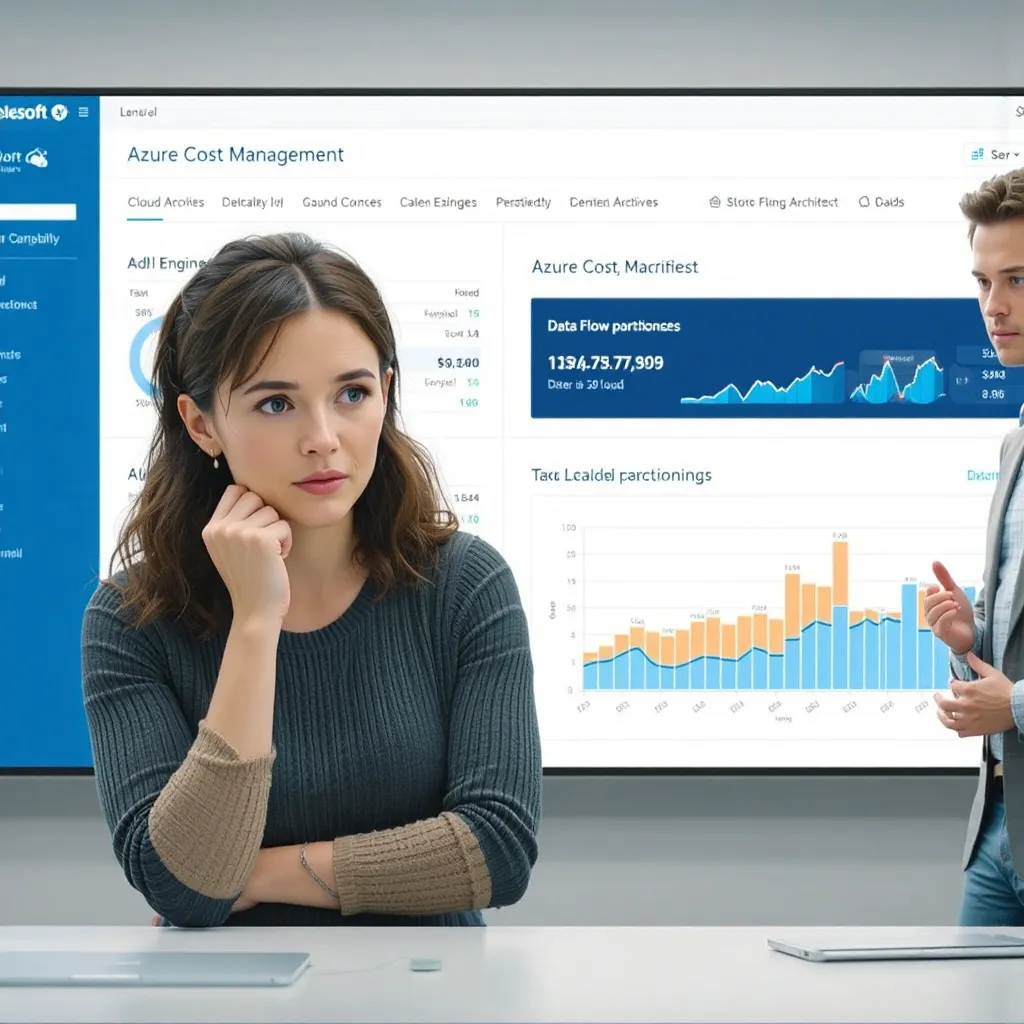
What are the alternatives to using Data Flows?
Let’s explore the alternatives to using Data Flows in Azure Data Factory (ADF). Data Flows are a powerful visual transformation tool, but they’re not always the best choice for every scenario. Here are some alternatives, along with their pros and cons:
- Copy Activity with Built-in Transformations:
- Description: The Copy Activity can perform simple data transformations during the copy process. This includes column mapping, data type conversion, and basic filtering.
- Pros:
- Simple and easy to configure for basic transformations.
- Generally more cost-effective than Data Flows for simple scenarios.
- No need to provision a separate compute cluster.
- Cons:
- Limited transformation capabilities compared to Data Flows.
- Not suitable for complex data cleansing or aggregation.
- Difficult to maintain and debug for complex transformations.
- Use Case: Ideal for scenarios where you only need to perform basic data type conversions, column mappings, or simple filtering during the copy process.
- Azure Databricks:
- Description: Azure Databricks is a fully managed Apache Spark-based analytics platform. You can use Databricks to perform complex data transformations using Spark code (Python, Scala, R, or SQL).
- Pros:
- Highly scalable and performant for large datasets.
- Supports a wide range of data transformations, including complex data cleansing, aggregation, and machine learning.
- Provides a rich set of libraries and tools for data processing.
- Can be used for both batch and streaming data processing.
- Cons:
- More complex to set up and configure than Data Flows.
- Requires writing code, which may require specialized skills. * Can be more expensive than Data Flows for simple scenarios.
- Use Case: Ideal for scenarios where you need to perform complex data transformations on large datasets, especially when using Spark for other analytics tasks.
- Azure Synapse Analytics (SQL Pools):
- Description: Azure Synapse Analytics (formerly Azure SQL Data Warehouse) is a fully managed, distributed analytics service. You can use SQL queries to perform data transformations within a Synapse SQL pool.
- Pros:
- Highly scalable and performant for large datasets.
- Uses familiar SQL language for data transformations.
- Integrated with other Azure services, such as Azure Data Lake Storage and Power BI.
- Cons:
- Requires writing SQL queries, which may require specialized skills.
- Less flexible than Data Flows or Databricks for certain types of data transformations.
- Can be more expensive than Data Flows for simple scenarios.
- Use Case: Ideal for scenarios where you need to perform data transformations using SQL, especially when the data is already stored in a Synapse SQL pool.
- Azure Functions:
- Description: Azure Functions is a serverless compute service that allows you to run code without managing servers. You can use Azure Functions to perform custom data transformations using code (e.g., Python, C#, JavaScript).
- Pros:
- Highly scalable and cost-effective for small to medium-sized datasets.
- Supports a wide range of programming languages.
- Can be triggered by various events, such as file uploads or messages.
- Cons:
- More complex to set up and configure than Data Flows.
- Requires writing code, which may require specialized skills.
- Not suitable for large datasets or complex transformations that require significant compute resources.
- Use Case: Ideal for scenarios where you need to perform custom data transformations on small to medium-sized datasets, especially when the transformations are triggered by events.
- Custom Activities (.NET or Python):
- Description: You can create custom activities in ADF using .NET or Python code. This allows you to perform any type of data transformation that is not supported by built-in activities or Data Flows.
- Pros:
- Highly flexible and customizable.
- Allows you to integrate with external services or libraries.
- Cons:
- Requires writing code, which may require specialized skills.
- More complex to set up and configure than Data Flows.
- Can be difficult to maintain and debug.
- Use Case: Ideal for scenarios where you need to perform highly specialized data transformations that are not supported by other ADF activities.
Choosing the Right Approach:
The best alternative to Data Flows depends on the specific requirements of your data integration project, including:
- Data volume and velocity: For large datasets, Databricks or Synapse Analytics may be more appropriate.
- Complexity of transformations: For simple transformations, the Copy Activity or Azure Functions may be sufficient.
- Skills and expertise: If you have experience with Spark or SQL, Databricks or Synapse Analytics may be a good choice.
- Cost: Consider the cost of each option, including compute, storage, and networking.
 Building Cloud/DevOps/AI/ML/Gen AI Architects