
Eight interview story scenarios for Azure Data Factory (ADF) roles, broken down by experience level.
These eight interview story scenarios designed for Azure Data Factory (ADF) roles, broken down by experience level. Here’s a summary of which roles each story is targeted toward:
- Fresher (0-1 year experience): Stories 1 & 2
- ML Engineer (5 years experience): Stories 3 & 4
- Data Science Experienced (10+ years): Stories 5 & 6
- Data Architect (Any Experience Level): Stories 7 & 8
Each story will present a challenge or situation the candidate might face and will give you insights into their problem-solving abilities and ADF knowledge.
Fresher (0-1 year experience):
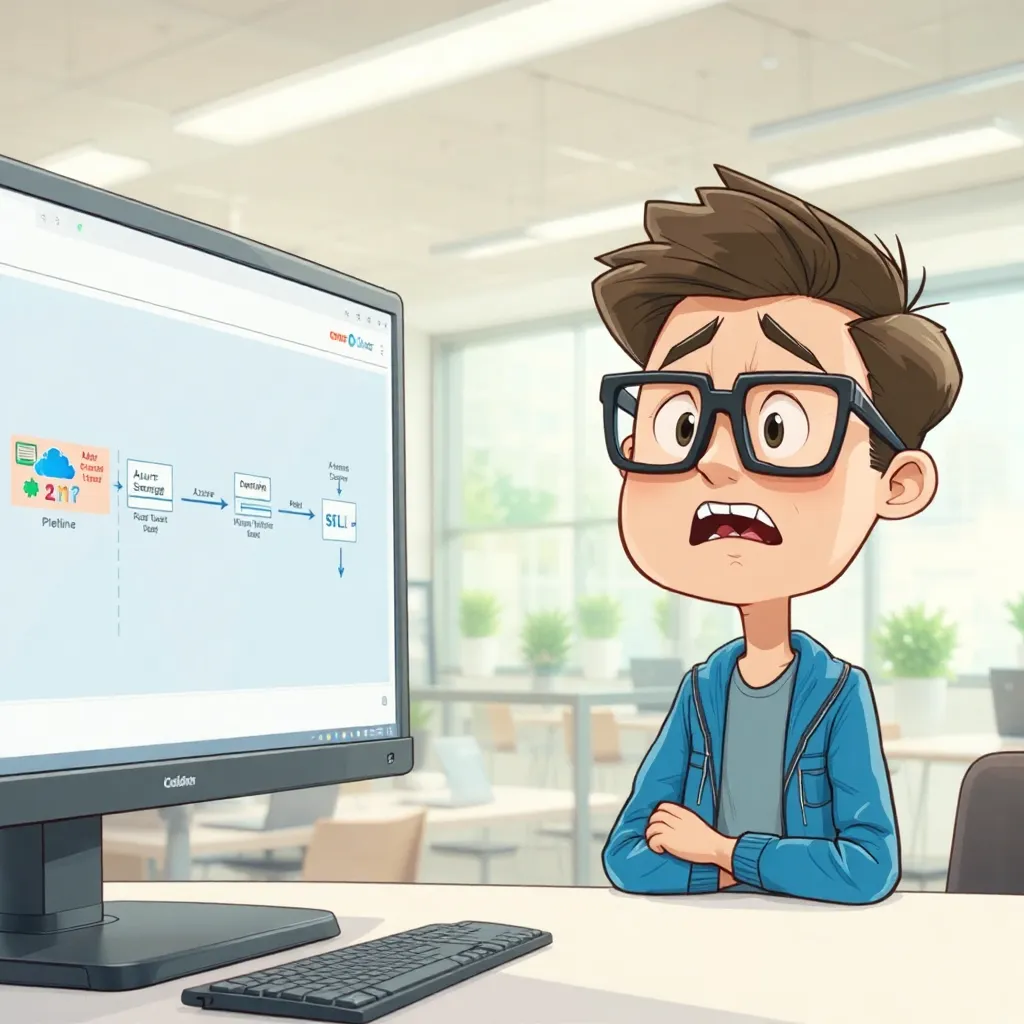
Story 1: The Broken Pipeline
- Scenario: A simple ADF pipeline that copies data from a CSV file in Azure Blob Storage to an Azure SQL Database table is failing intermittently. The error message in ADF’s monitoring section is vague: “Operation failed.” You have limited access to the source and destination systems but full access to the ADF pipeline configuration.
- Possible Interviewer Goals: This tests the candidate’s ability to troubleshoot basic pipeline failures, understand common error causes, and use ADF’s monitoring tools. It also gauges their communication skills when gathering information with limited access.
- Expected Response Indicators: The candidate should methodically check the following:
- Connection strings for both the Blob Storage and Azure SQL Database linked services.
- File path and name in the source dataset configuration.
- Table name in the sink dataset configuration.
- Firewall settings on the Azure SQL Database to ensure ADF can access it.
- Whether the CSV file exists and is properly formatted.
- They should also be able to explain how to view detailed error logs within ADF.
Story 2: The Missing Data
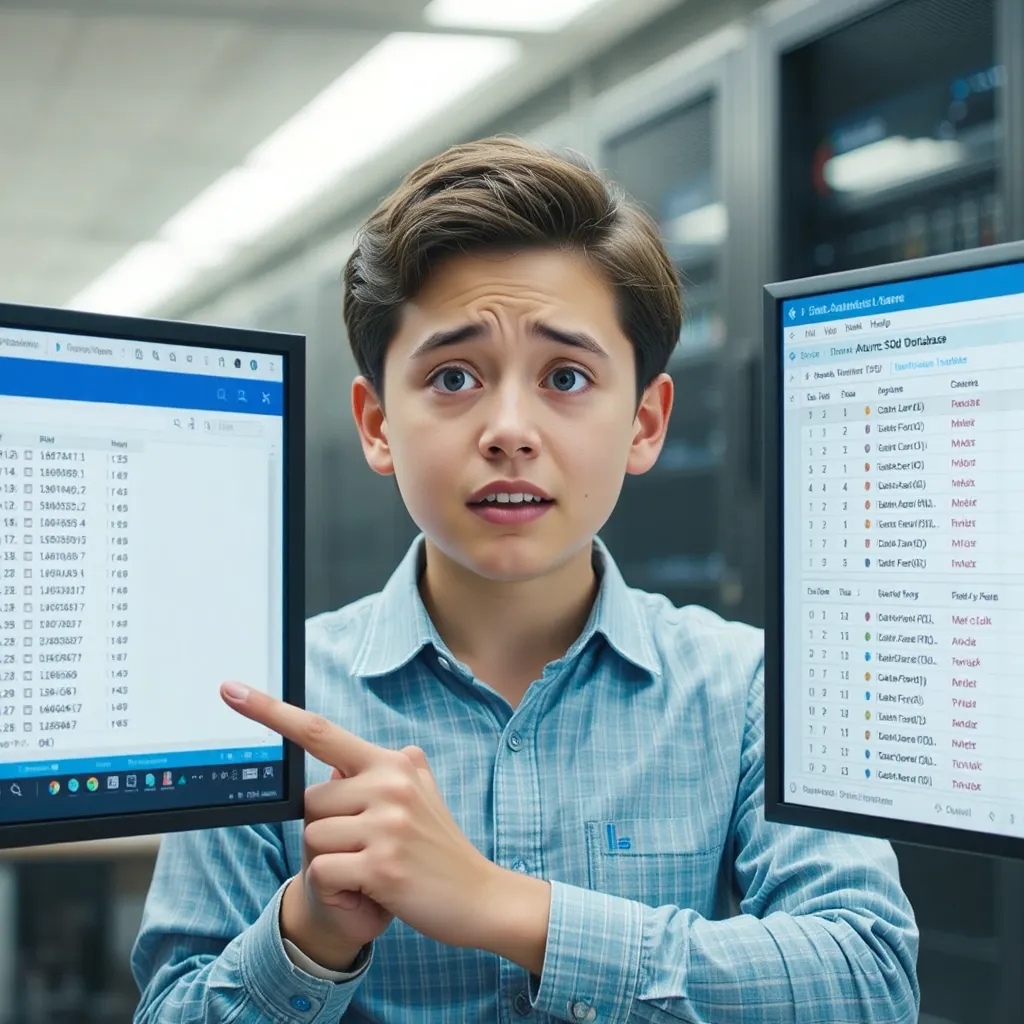
- Scenario: A scheduled ADF pipeline runs successfully, but the target Azure SQL Database table is missing some rows that are present in the source CSV file in Azure Blob Storage. There are no error messages in ADF.
- Possible Interviewer Goals: This tests the candidate’s understanding of data consistency, potential data loss scenarios, and debugging techniques when there are no obvious errors.
- Expected Response Indicators: The candidate should consider the following possibilities:
- Data type mismatches between the source CSV file and the destination SQL table, leading to data truncation or rejection.
- Incorrect mapping of columns between the source and destination datasets.
- The possibility of duplicate rows in the source file, and how the SQL table’s primary key constraint might be handling them.
- They should suggest adding data validation activities to the pipeline to check data quality before loading it into the SQL table.
ML Engineer (5 years experience):
Story 3: The Slow Transformation
- Scenario: You have an ADF pipeline that transforms a large dataset (millions of rows) using a Data Flow activity. The transformation involves complex calculations and joins. The pipeline is taking an unacceptably long time to complete, and you need to optimize it.
- Possible Interviewer Goals: This tests the candidate’s knowledge of Data Flow performance optimization techniques, understanding of Spark execution, and ability to identify bottlenecks.
- Expected Response Indicators: The candidate should suggest the following:
- Analyzing the Data Flow execution plan in ADF’s monitoring section to identify the slowest transformations.
- Using appropriate partitioning strategies to distribute the data evenly across Spark executors.
- Optimizing joins by using broadcast joins for smaller datasets or using appropriate join types (e.g., inner join vs. outer join).
- Using appropriate data types and avoiding unnecessary data conversions.
- Scaling up the Azure Integration Runtime (IR) to provide more compute resources.
- Consider using data sampling to test transformations on smaller subsets of data before running the full pipeline.

Story 4: The Model Training Pipeline
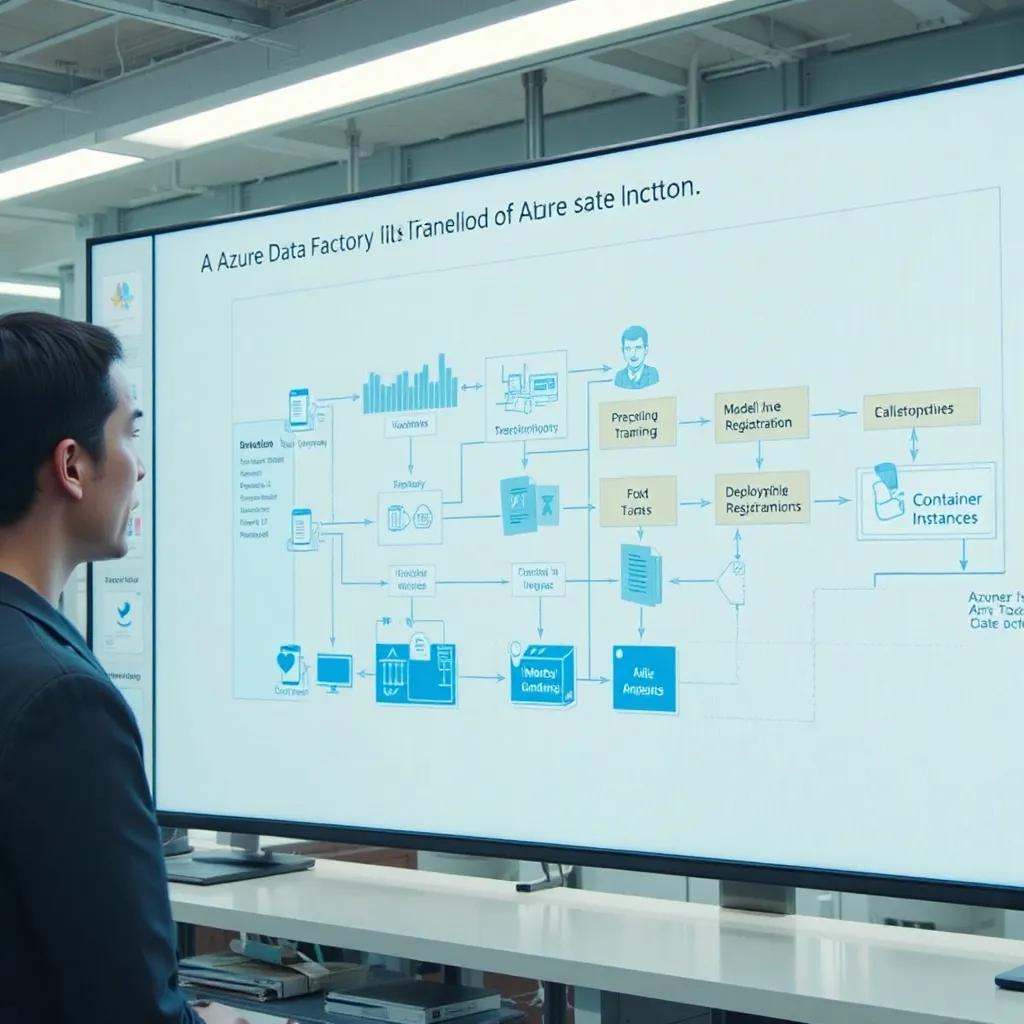
- Scenario: You are building an ADF pipeline to train a machine learning model using data from various sources (Azure Blob Storage, Azure SQL Database). The pipeline needs to: 1) Preprocess the data. 2) Train the model using Azure Machine Learning Service. 3) Register the trained model. 4) Deploy the model to an Azure Container Instance (ACI) for real-time scoring.
- Possible Interviewer Goals: This tests the candidate’s experience with integrating ADF with Azure Machine Learning, building end-to-end ML pipelines, and deploying models.
- Expected Response Indicators: The candidate should outline the following steps:
- Use Data Flows or Copy activities to ingest and preprocess the data.
- Use the Azure Machine Learning Execute Pipeline activity to trigger the model training process in Azure Machine Learning Service.
- Configure the activity to pass the necessary parameters to the training script (e.g., data paths, model name).
- Use the Azure Machine Learning Register Model activity to register the trained model in the Azure Machine Learning model registry.
- Use the Azure Container Instances (ACI) task to deploy the registered model to ACI for real-time scoring.
- Handle error scenarios and logging throughout the pipeline.
Data Science Experienced (10+ years):
Story 5: The Data Governance Challenge
- Scenario: Your organization has a large number of ADF pipelines that are used to move and transform sensitive data. You need to implement a data governance strategy to ensure data security, compliance, and auditability. How would you approach this challenge using ADF features and other Azure services?
- Possible Interviewer Goals: This tests the candidate’s understanding of data governance principles, security best practices, and the role of ADF in a broader data governance framework.
- Expected Response Indicators: The candidate should suggest the following: * Implement data masking and encryption techniques in ADF to protect sensitive data at rest and in transit.
- Use Azure Key Vault to securely store and manage secrets, such as connection strings and API keys.
- Implement data lineage tracking to understand the origin and flow of data through the pipelines.
- Use Azure Purview to catalog and classify data assets, and to track data quality metrics.
- Implement role-based access control (RBAC) to restrict access to ADF resources and data based on user roles.
- Use ADF’s logging and auditing features to track pipeline executions and data access events.
- Integrate ADF with Azure Monitor to monitor pipeline performance and detect anomalies.

Story 6: The Real-Time Data Ingestion
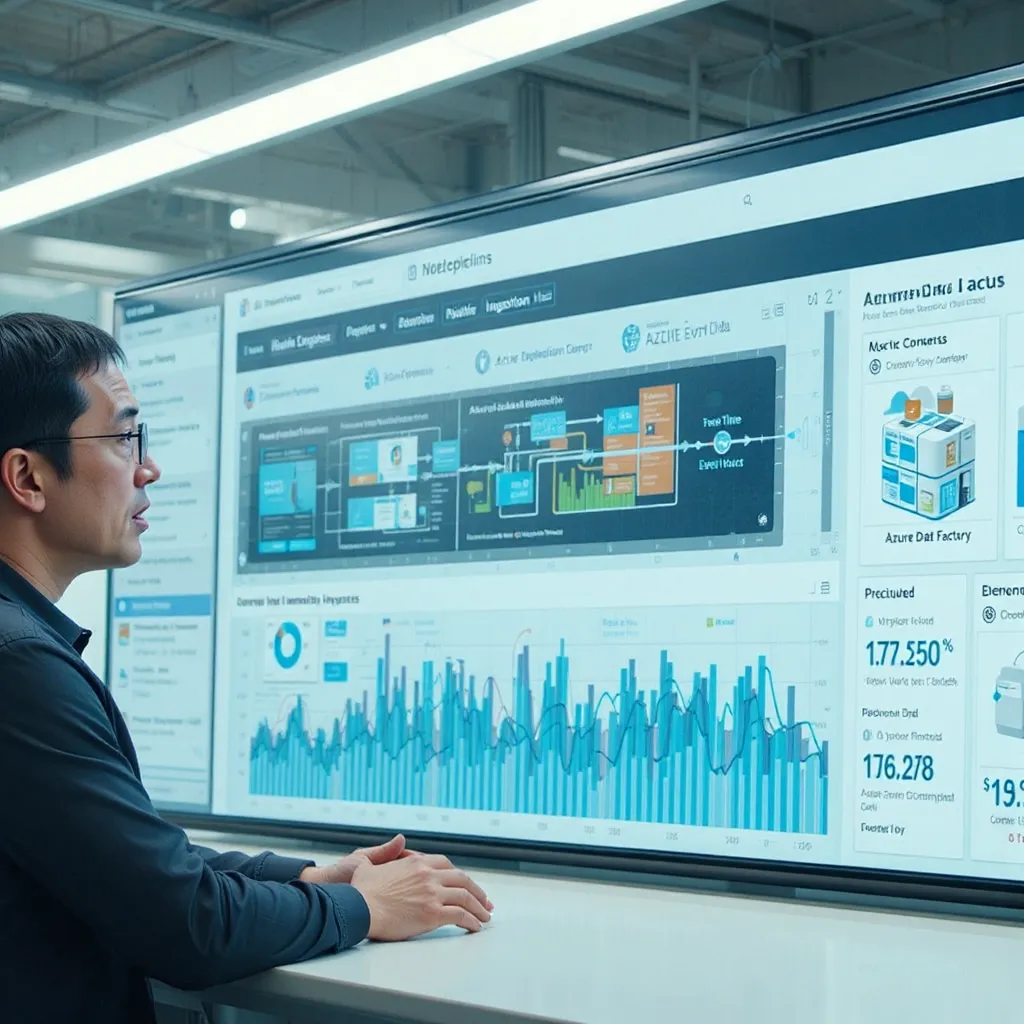
- Scenario: You need to ingest real-time data from an Azure Event Hub into Azure Data Lake Storage Gen2 and then process it using ADF. The data volume is high, and the latency requirements are strict. How would you design and implement this solution?
- Possible Interviewer Goals: This tests the candidate’s experience with real-time data ingestion patterns, stream processing techniques, and the integration of ADF with other Azure services for real-time analytics.
- Expected Response Indicators: The candidate should outline the following:
- Use Azure Event Hubs Capture to automatically capture the real-time data into Azure Data Lake Storage Gen2 in a near real-time manner (e.g., every 5 minutes).
- Create an ADF pipeline that triggers periodically to process the captured data.
- Use Data Flows or Mapping Data Flows to transform the data and load it into a target data store (e.g., Azure Synapse Analytics).
- Consider using Azure Stream Analytics for more complex stream processing requirements, such as windowing and aggregation.
- Monitor the pipeline performance and latency to ensure that the data is processed within the required time constraints.
Data Architect (Any Experience Level):
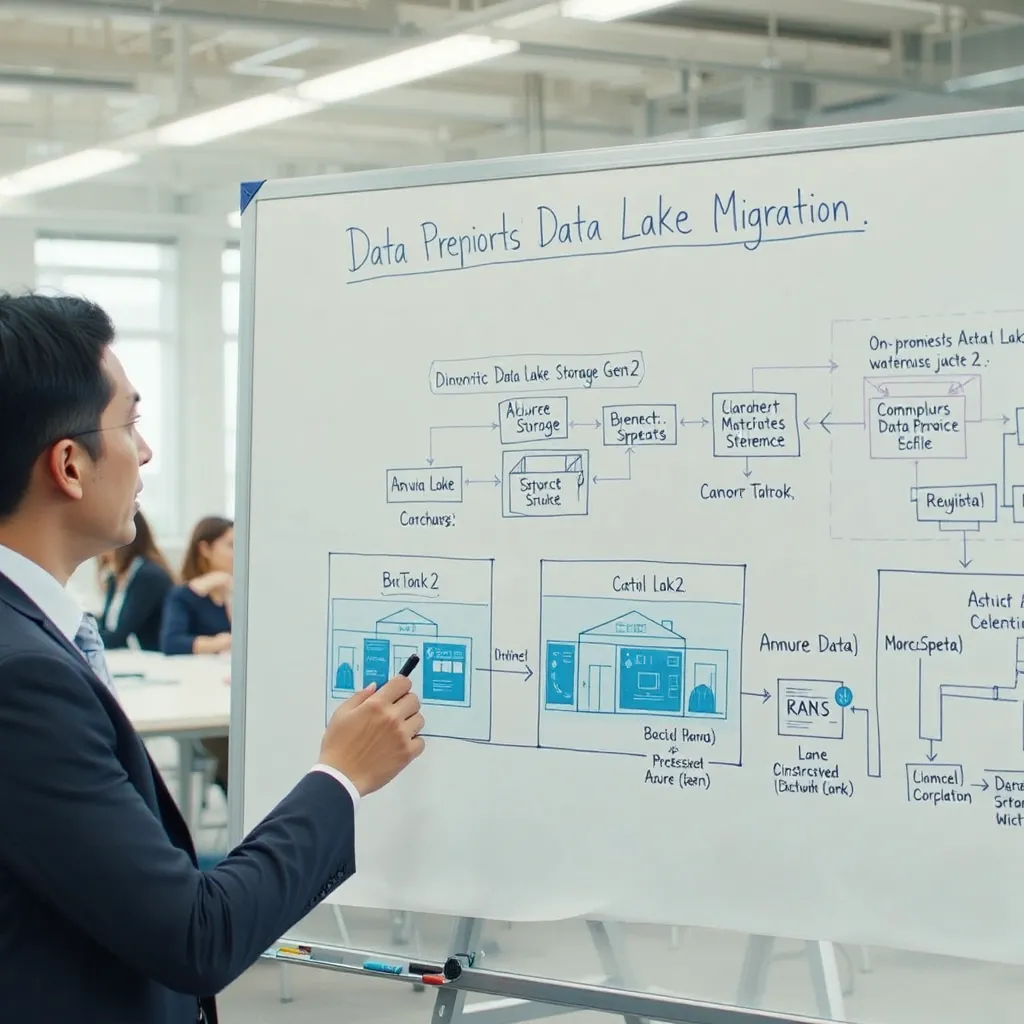
Story 7: The Data Lake Migration
- Scenario: Your organization is migrating its on-premises data warehouse to Azure Data Lake Storage Gen2. You need to design an ADF-based solution to efficiently migrate the data while ensuring data quality and minimal downtime.
- Possible Interviewer Goals: This tests the candidate’s ability to design a data migration strategy, understand data warehousing principles, and use ADF to orchestrate the migration process.
- Expected Response Indicators: The candidate should suggest the following:
- Assess the existing data warehouse schema and data volumes to plan the migration.
- Use ADF’s Copy activity to migrate data from the on-premises data warehouse to Azure Data Lake Storage Gen2.
- Implement data validation activities in the pipeline to ensure data quality during the migration.
- Use a phased migration approach, starting with smaller datasets and gradually migrating larger datasets.
- Implement a data reconciliation process to compare the data in the source and destination systems.
- Use ADF’s incremental loading capabilities to minimize downtime during the migration.
- Consider using Azure Data Factory’s Mapping Data Flows to transform the data as part of the migration process, if needed.
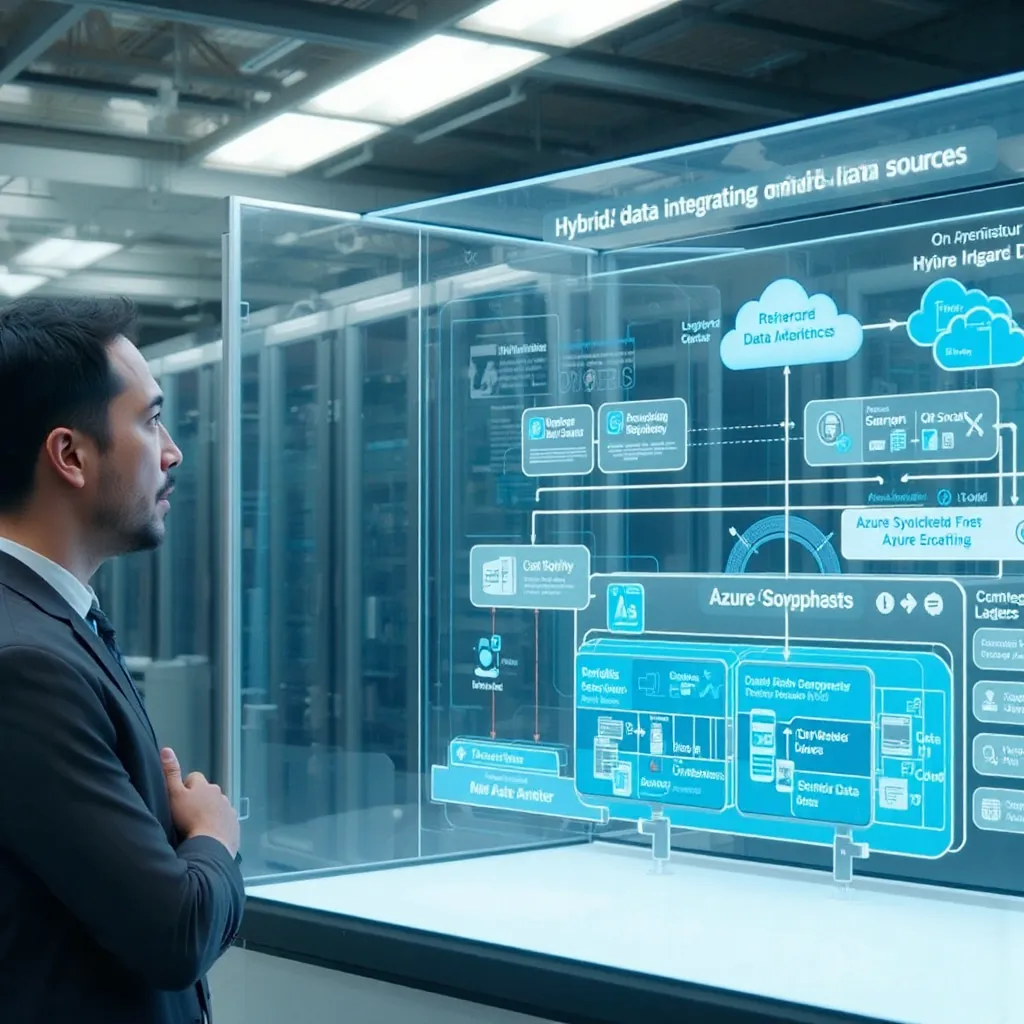
Story 8: The Hybrid Data Integration
- Scenario: Your organization has data stored in various on-premises and cloud-based systems. You need to design an ADF-based solution to integrate this data into a centralized data warehouse in Azure Synapse Analytics for reporting and analytics purposes.
- Possible Interviewer Goals: This tests the candidate’s ability to design a hybrid data integration architecture, understand the challenges of integrating data from different sources, and use ADF to orchestrate the data integration process.
- Expected Response Indicators: The candidate should suggest the following:
- Identify all the data sources and their characteristics (e.g., data types, data formats, access methods).
- Use ADF’s Self-hosted Integration Runtime to connect to on-premises data sources securely.
- Use ADF’s Copy activity or Data Flows to extract data from the various sources and load it into Azure Synapse Analytics.
- Implement data transformation and cleansing steps in the pipeline to ensure data quality and consistency.
- Use ADF’s incremental loading capabilities to load only the changed data into the data warehouse.
- Implement a data catalog to track the metadata and lineage of the data in the data warehouse.
- Monitor the pipeline performance and data quality to ensure that the data is integrated correctly.
 Building Cloud/DevOps/AI/ML/Gen AI Architects